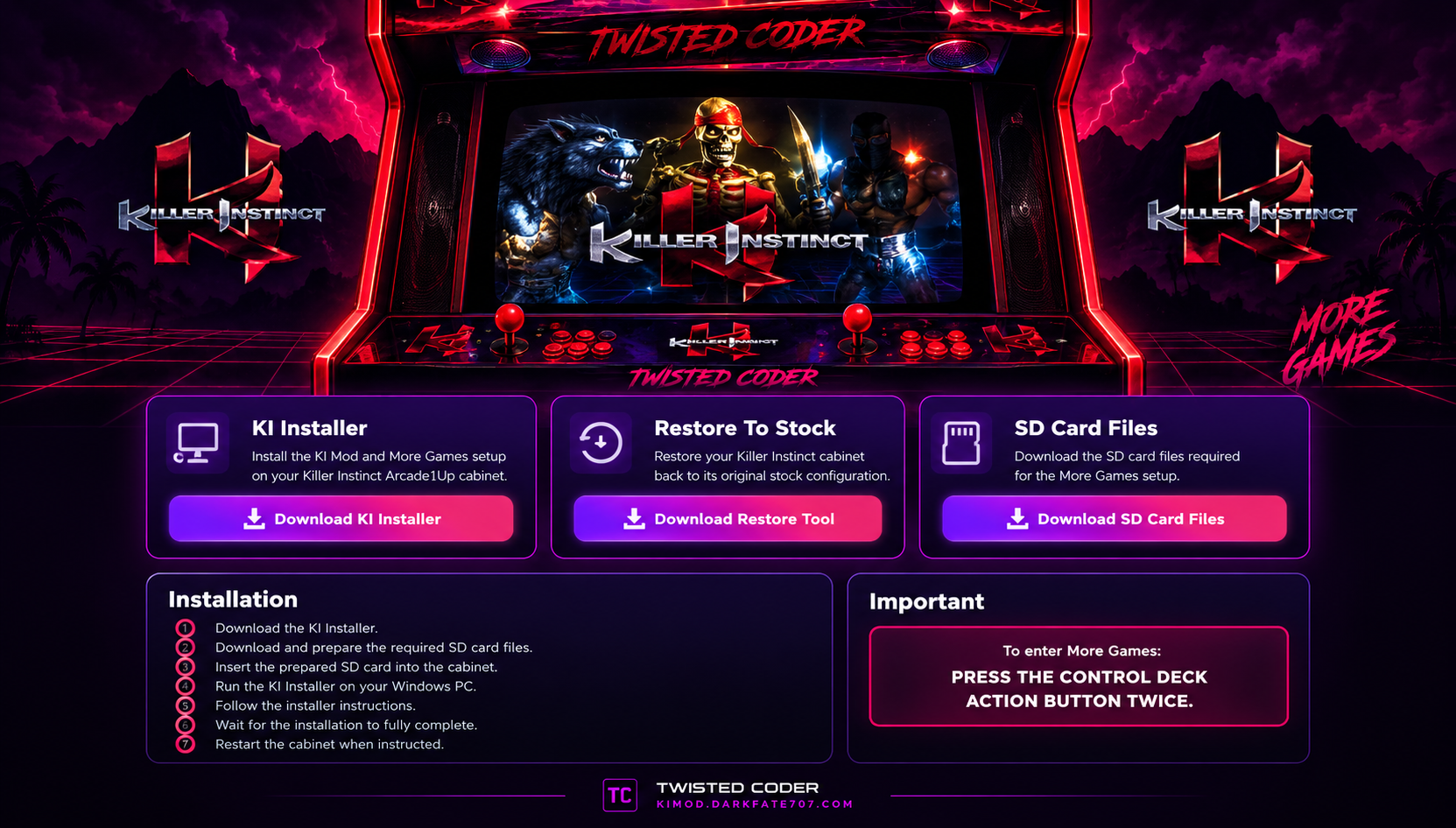
KILLER INSTINCT MOD

IMPORTANT — PLEASE READ

This website and its downloads are intended specifically for use with the Arcade1Up Killer Instinct cabinet.

The KI Mod is an unofficial community modification and is not affiliated with or endorsed by Arcade1Up.

By continuing, you acknowledge that modifying your Arcade1Up Killer Instinct cabinet is done entirely at your own discretion and risk.

The website owner and creator of the KI Mod or Team Encoder are not responsible for any damage, data loss, malfunction, loss of functionality, or other issues that may occur as a result of installing or using the KI Mod, its installer, restoration tools, SD card files, or related downloads.

You are responsible for deciding whether to install or use this modification on your cabinet.

SPECIAL THANKS TO TEAM ENCODER. WITHOUT YOUR INITIAL CODING, THIS MOD WOULD NOT BE POSSIBLE.

By selecting YES, I ACCEPT, you confirm that you understand and accept the above.
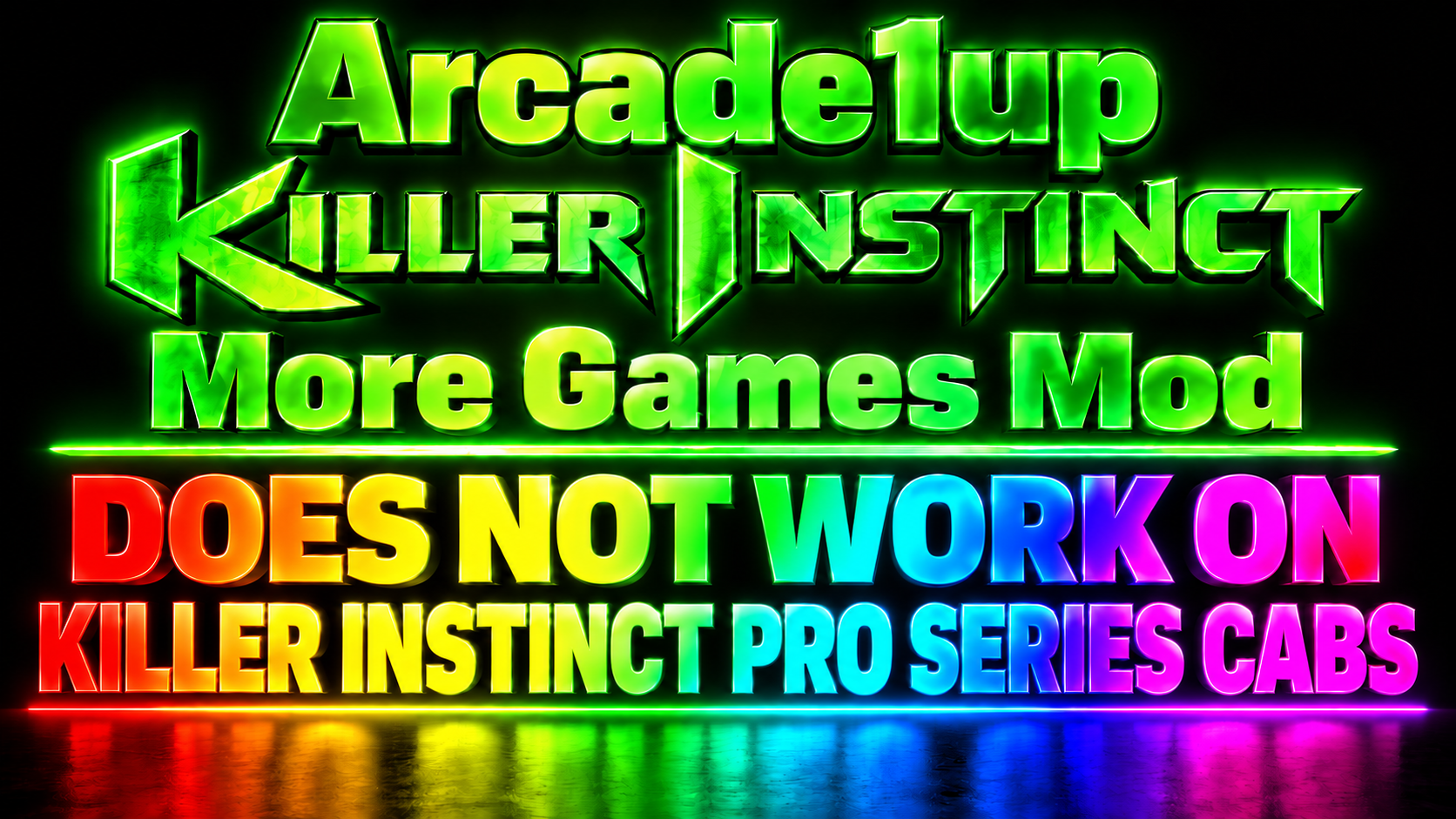
Arcade1Up Killer Instinct More Games Mod does not work on Killer Instinct Pro Series cabs.

ACCESS NOT ACCEPTED

You must accept the KI Mod disclaimer before accessing this site.

Killer Instinct Mod
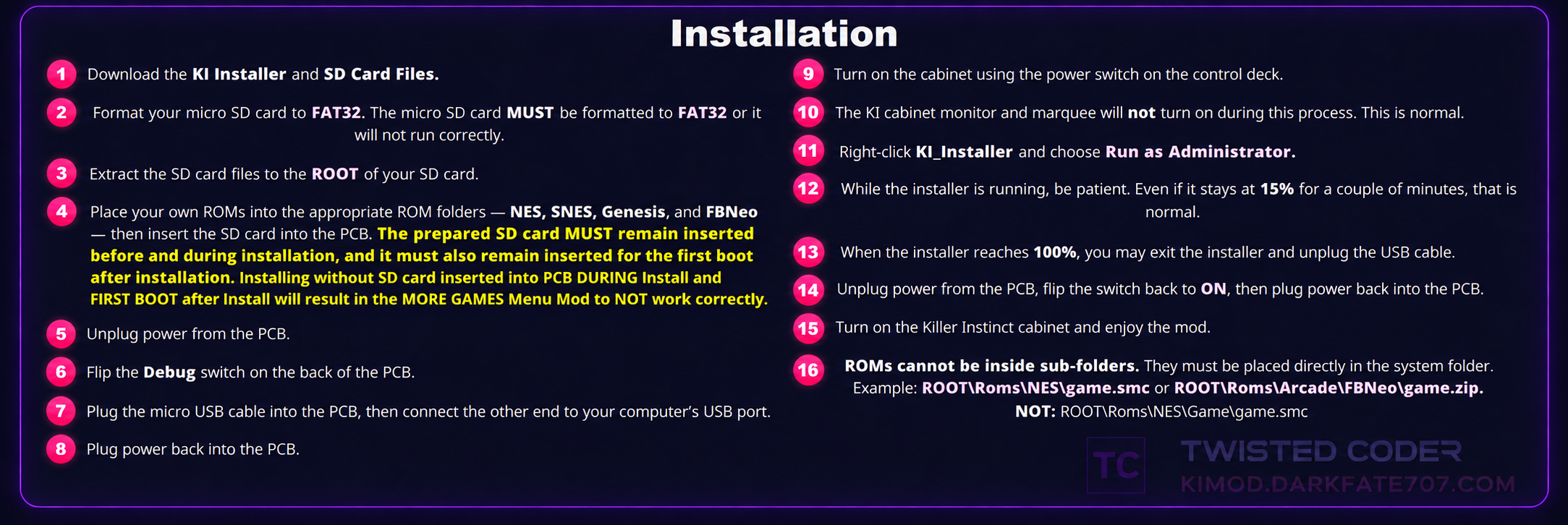
KI Mod Installation Instructions
● KI MORE GAMES NETWORK — LIVE
--
Awaiting live cabinet data
⚙ NETWORK TESTING PHASE
Live cabinet tracking is currently in testing.
Online counts may fluctuate as we continue improving the network.
More Games Update Coming Soon
MORE GAMES UPDATE COMING SOON
(Killer Instinct Mod does NOT work on PRO Series Cabs.)
(Game Roms can be found on Archive - Twisted Coder)
For best results, I recommend using RUFUS to format your SD card to FAT32. You can download RUFUS from the
SD CARD INSTALL Tab.
FBNeo Compatibility: The current KI More Games Mod uses FinalBurn Neo v1.0.0.01 ROM sets for Arcade emulation. For best compatibility, use ROM sets built for FBNeo v1.0.0.01.

ONLINE GAME ROOM

Live KI More Games netplay activity — NES, SNES and Genesis
WAITING FOR PLAYER TO JOIN: 0
IN GAME: 0

WAITING FOR PLAYER TO JOIN

Checking for open rooms…

IN GAME

Checking active matches…
CHANGE YOUR KI USERNAME
Enter the KI-XXXX ID shown by your cabinet, then choose the name you want other players to see.
Live feed connecting…
More Games Community Message

If you ENJOY the Arcade1Up Killer Instinct More Games Mod, please consider posting online and sharing your experience with other users.

Your feedback helps others discover the mod and lets the community know what to expect.

– Twisted Coder

QUICK REFERENCE INSTRUCTION VIDEOS

VOLUME CONTROL TIP
Volume is controlled while you're in a game. To raise or lower the volume, simply tap the volume switch UP or DOWN repeatedly until you reach your desired level. Each tap adjusts the volume one step at a time.
IMPORTANT: Increasing the volume while playing a game will also increase the game selection theme music volume when you return to the More Games menu.

HOW TO EXIT A GAME

Arcade1Up Killer Instinct More Games Mod

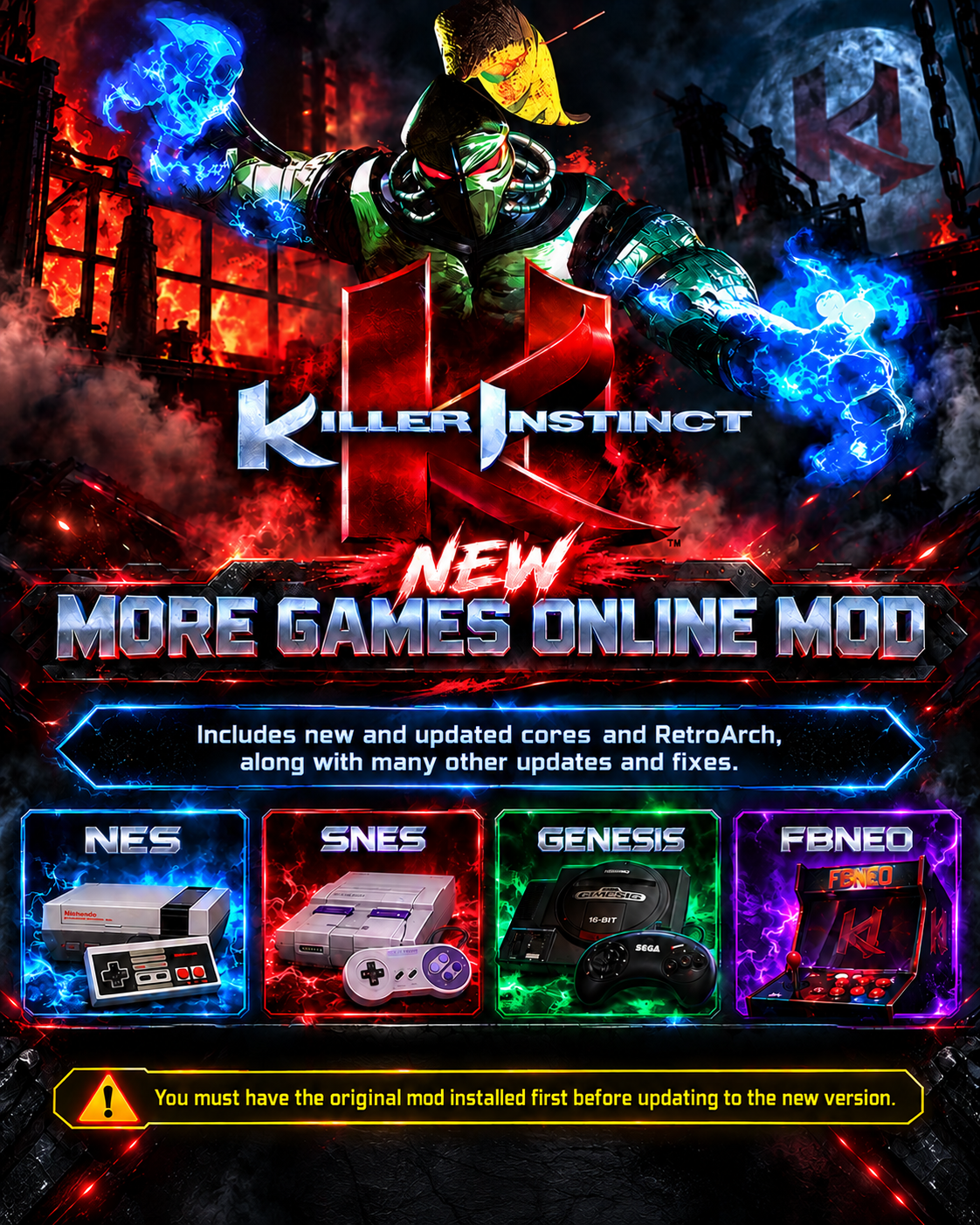
Add NES, SNES, Genesis and Arcade games to your Arcade1Up Killer Instinct cabinet with the Twisted Coder More Games mod. Includes controller setup, favorites, game saves, system music, full-screen menus, installation instructions, instruction videos and restore tools.

KI Mod Installation Instructions

LIVE COMMUNITY CHAT

Arcade1Up Killer Instinct More Games Mod Community

JOIN THE CHAT


Please be respectful to other users.
Do not post copyrighted ROM download links, spam, or abusive content.
Signed in as   •   0 online
IMPORTANT — SD CARD REQUIRED
IMPORTANT — LATEST ARCADE1UP FIRMWARE REQUIRED
BEFORE INSTALLING THE MORE GAMES MOD, YOUR KILLER INSTINCT CABINET MUST BE UPDATED TO THE LATEST OFFICIAL FIRMWARE PROVIDED BY ARCADE1UP THROUGH THE CABINET'S ONLINE WI-FI CONNECTION.

IF YOUR CABINET IS NOT UPDATED TO THE LATEST OFFICIAL ARCADE1UP FIRMWARE, THE MORE GAMES MOD WILL NOT INSTALL.

COMPLETE THE FIRMWARE UPDATE BEFORE ATTEMPTING TO INSTALL THE MOD.
The SD CARD FILES are required for the Killer Instinct More Games Mod to work correctly.

Download the SD CARD FILES from this website and place all required files directly on the ROOT of your FAT32 SD card.
The prepared SD card MUST be inserted into the cabinet PCB DURING INSTALLATION.

After installation finishes, leave the SD card inserted for the FIRST NORMAL CABINET BOOT.

Installing or performing the first boot without the prepared SD card may cause the MORE GAMES Mod to not work correctly.
SUPPORT DONATIONS

SD Card Installation Requirement

IMPORTANT: The SD card MUST be formatted to FAT32, and all required SD card files MUST be placed directly on the ROOT of the SD card.

The prepared SD card MUST be inserted into the PCB DURING installation and remain inserted for the FIRST CABINET BOOT after installation.

Failure to follow these steps will cause the More Games Mod to install incorrectly or not work at all.

CORRECT SD CARD ROOT LAYOUT
Correct SD Card Root Layout
RUFUS FAT32 FORMAT SETTINGS
Use the settings shown below when formatting your SD card with RUFUS. These are the recommended options to format the card to FAT32 for the KI More Games Mod.
Rufus FAT32 Format Settings
DOWNLOAD RUFUS 4.15
0 ONLINE